Run the application
- Understand the application
- Run the application
- Simulate failures
Now that you understand the Workflow and Activities, run the application. You'll start the Workflow, watch it appear in the Web UI, then start a Worker that executes the Activities.
Start the Workflow
First, make sure the local Temporal Service is running. Open a new terminal window and run:
temporal server start-dev
To start the Workflow, run the following command:
dotnet run --project MoneyTransferClient
This command runs the Program.cs file within the MoneyTransferClient project, starting the Workflow process. The Workflow is now running. Leave the program running.
View the state of the Workflow in the Web UI
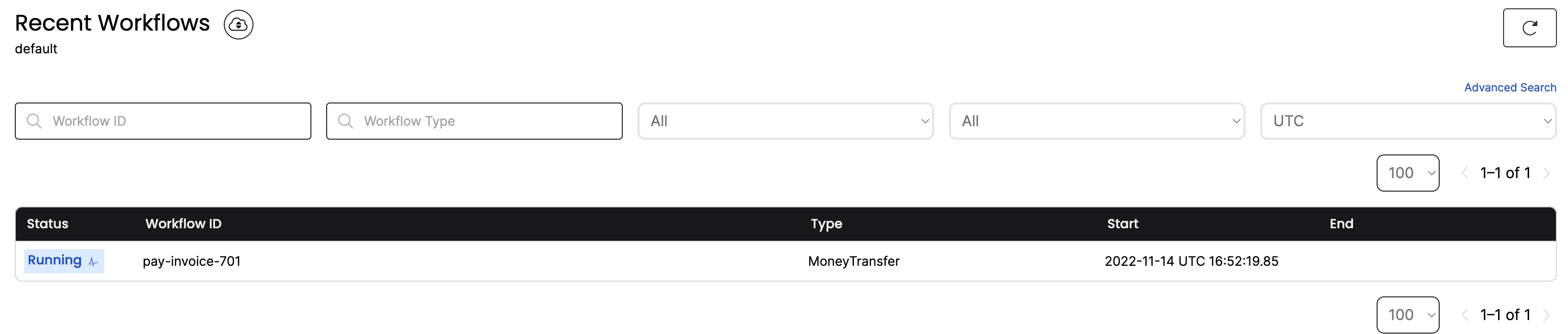
Visit the Temporal Web UI where you'll see your Workflow listed.
Click the Workflow ID. You can see everything about the execution: inputs, timeouts, scheduled retries, attempts, stack traces, and more:
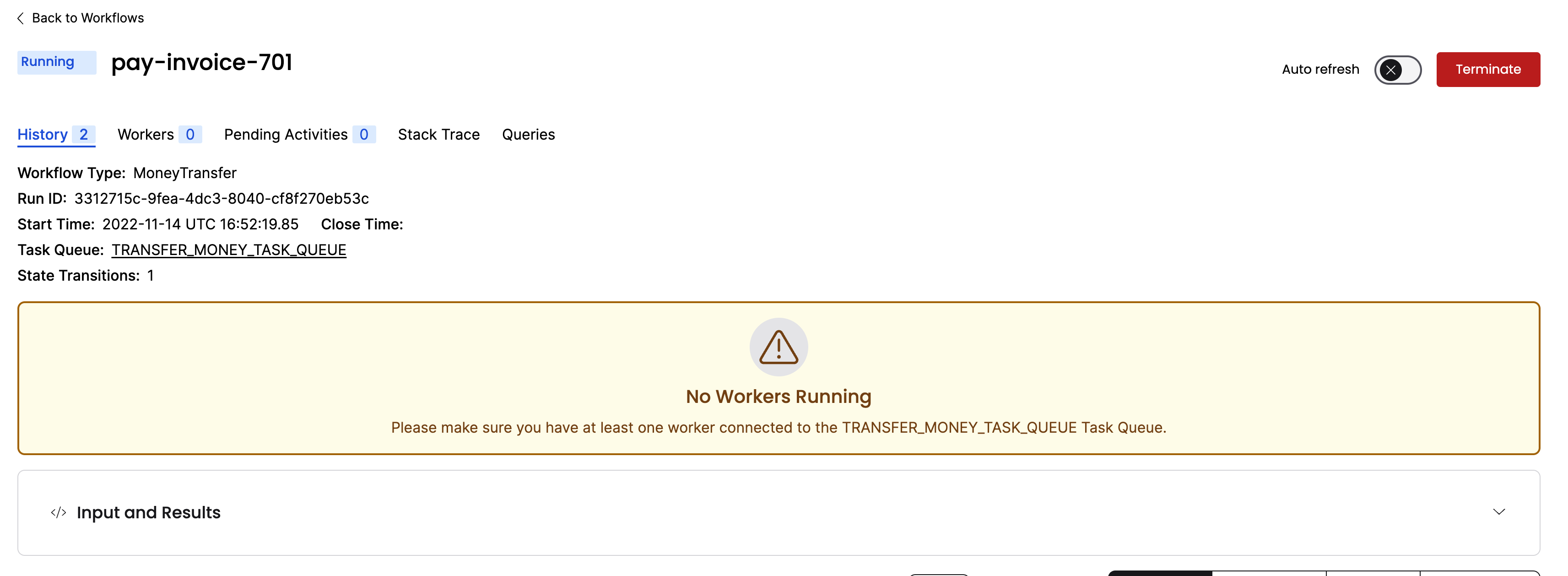
Click Input and Results to see the inputs:
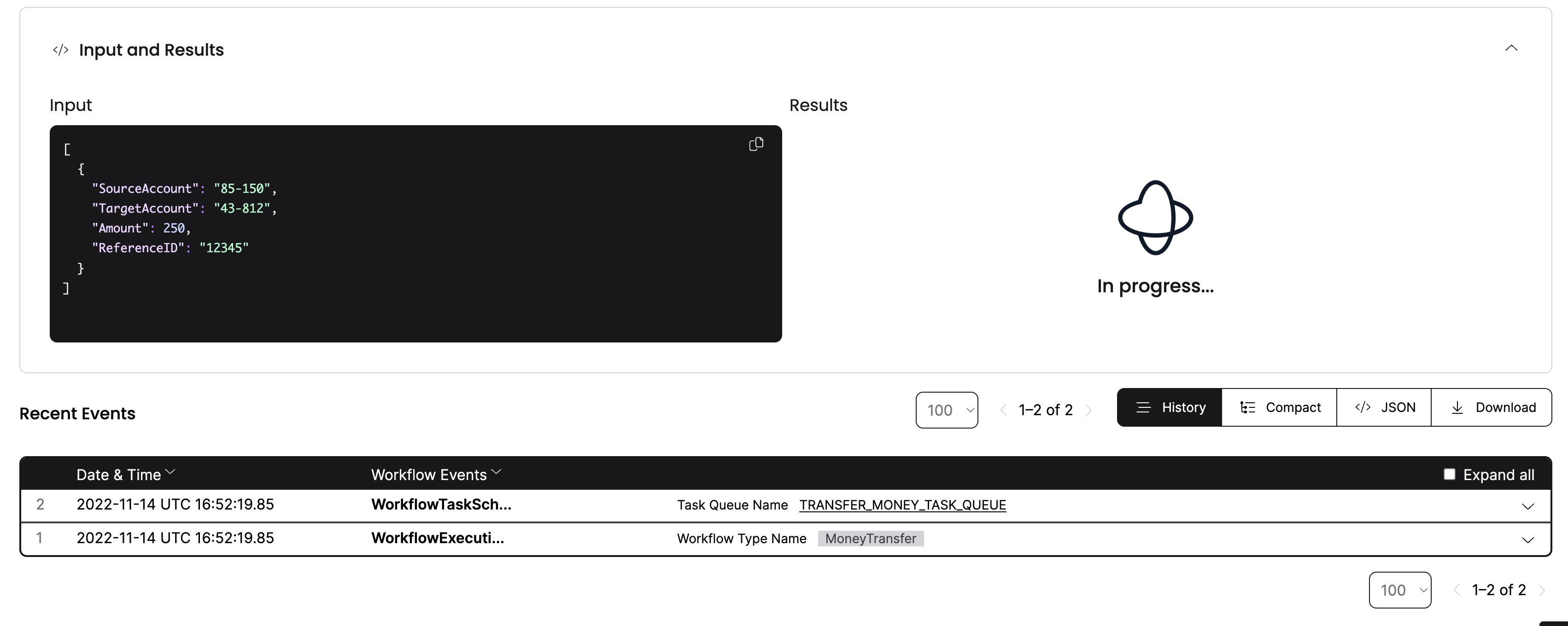
The Workflow hasn't executed yet - no Workers are connected to the Task Queue. You'll start the Worker next.
Start the Worker
A Worker:
- can only execute Workflows and Activities registered to it.
- knows which piece of code to execute based on Tasks from the Task Queue.
- only listens to the Task Queue that it's registered to.
Open a new terminal window and run the Worker:
dotnet run --project MoneyTransferWorker
The Worker connects to the Temporal Cluster, specifies the Task Queue, and registers the Workflow and Activities:
using Temporalio.Client;
using Temporalio.Worker;
using Temporalio.MoneyTransferProject.MoneyTransferWorker;

var client = await TemporalClient.ConnectAsync(new("localhost:7233"));

using var tokenSource = new CancellationTokenSource();
Console.CancelKeyPress += (_, eventArgs) =>
{
    tokenSource.Cancel();
    eventArgs.Cancel = true;
};

var activities = new BankingActivities();

using var worker = new TemporalWorker(
    client,
    new TemporalWorkerOptions(taskQueue: "MONEY_TRANSFER_TASK_QUEUE")
        .AddAllActivities(activities)
        .AddWorkflow<MoneyTransferWorkflow>()
);

Console.WriteLine("Running worker...");
try
{
    await worker.ExecuteAsync(tokenSource.Token);
}
catch (OperationCanceledException)
{
    Console.WriteLine("Worker cancelled");
}
When the Worker starts, it begins polling the Task Queue:
Running worker...
Withdrawing $400 from account 85-150.
Depositing $400 into account 43-812.
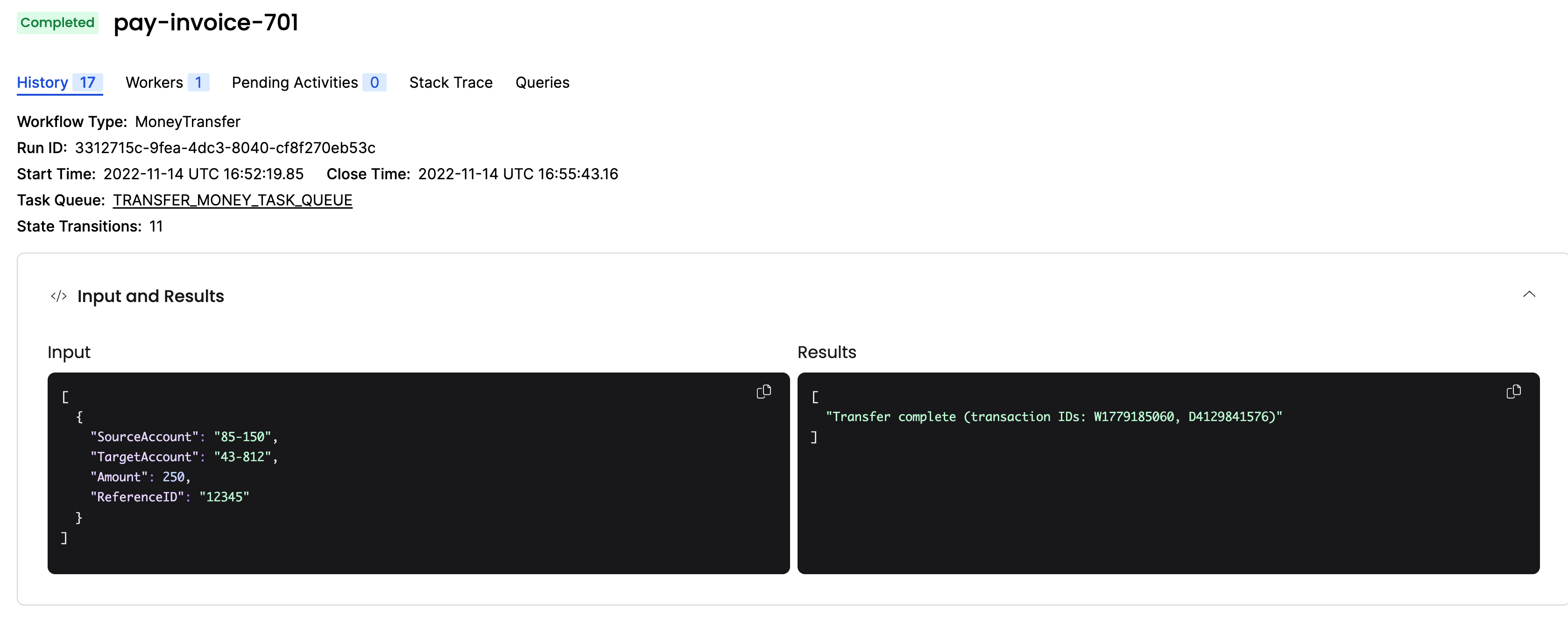
Check the Web UI again. You'll see one Worker registered, and the Workflow status shows completed:
You just ran a Temporal Workflow application and saw how Workflows, Activities, and Workers interact. Next you'll explore how Temporal handles failures.
Get notified when we launch new educational content
New courses, tutorials, and learning resources - straight to your inbox.